 Português
 Español
 English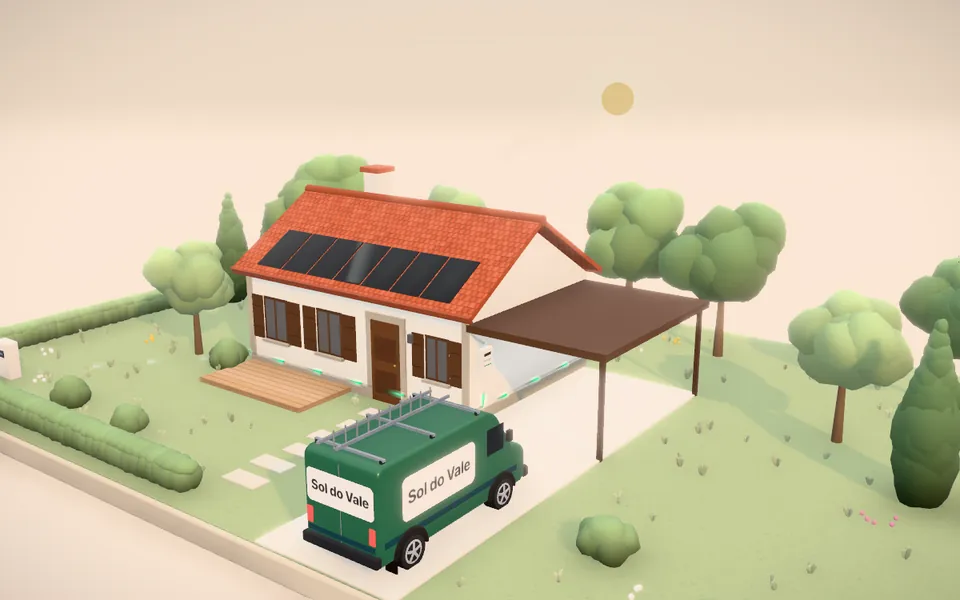
SSol do Vale
Solar energy
Panels appear on the roof as the visitor answers. At the end, they see how much they could save each year.
Scene: traditional house · countryside
For solar, pool, hot tub and pergola companies
Customers answer a few questions, watch their project take shape in 3D and get an instant estimate. Your company receives their details with every answer, ready to follow up.
No commitment. We prepare the free demo with your company’s logo and colors.
Ready to buy? Get the simulator →
Pick your industry
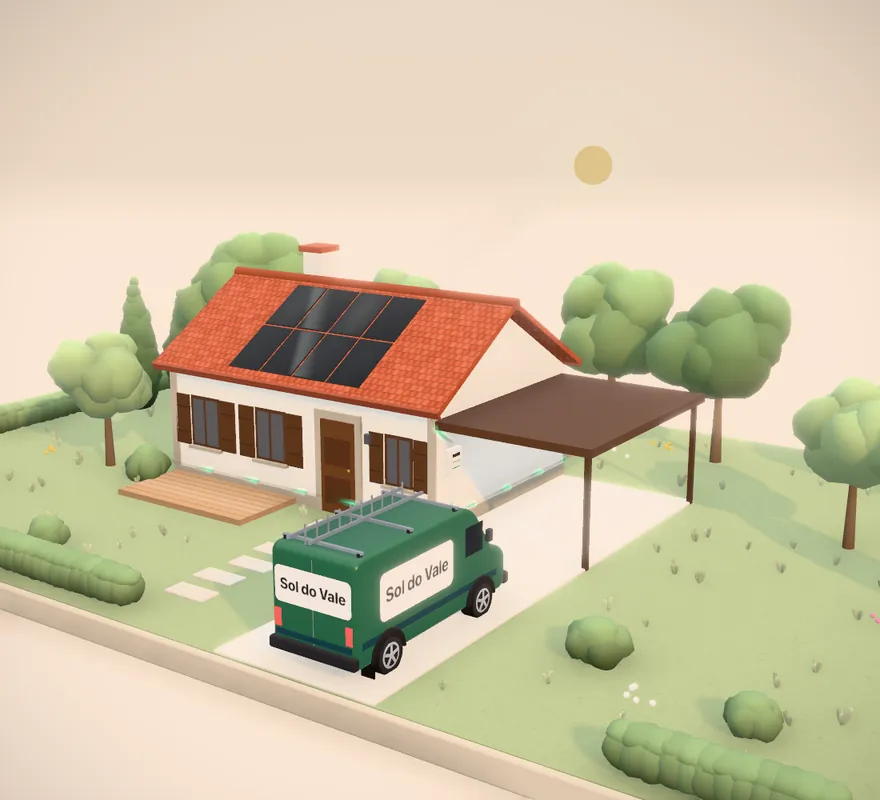
Demo with a fictional brand. On your website, the simulator opens on top of the page in your branding. Open the full simulator ↗
How it works
Your customer simulates the project in 3D on your website. Your company receives their details and answers, ready to follow up.
The simulator opens on top of your page. Visitors never leave your website.
Simple questions, tailored by you: the type of house, energy use, pool size.
With each answer, the 3D scene changes: panels appear on the roof, the pool is dug and built, the hot tub arrives by crane, the pergola goes up piece by piece.
Yearly savings for solar, the investment for a pool, a hot tub or a pergola. On the spot, with your company’s prices.
Visitors get the simulation by email. Your company receives the lead, with every answer.
Products
The simulator uses your company’s colors, logo and typeface. Even the van parked outside the house is yours. Prevvia stays behind the scenes.
Panels appear on the roof as the visitor answers. At the end, they see how much they could save each year.
Scene: traditional house · countryside
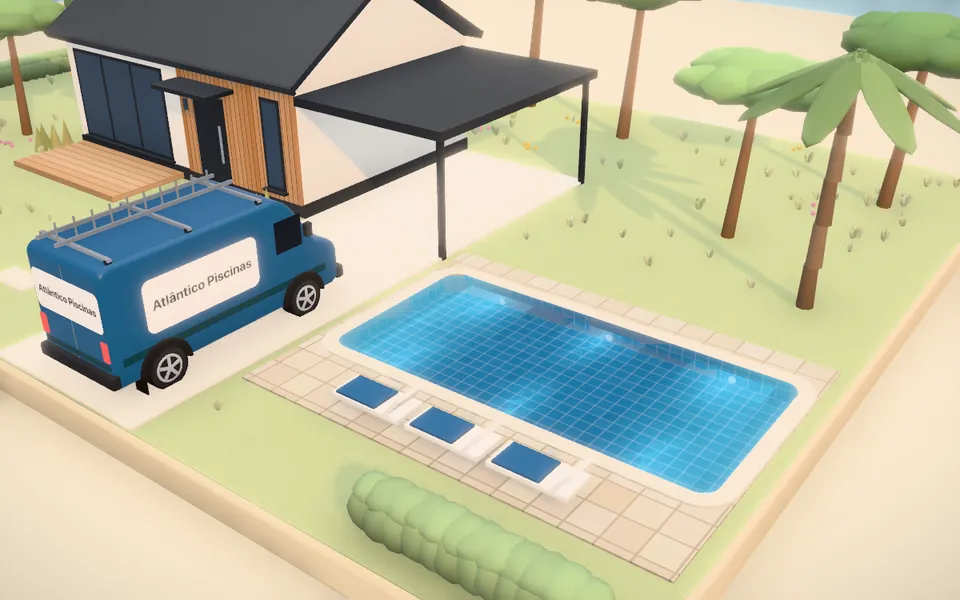
The pool is dug and built in the garden, with the cover, lights and extras they chose. At the end, they see the estimated investment.
Scene: modern house · coast
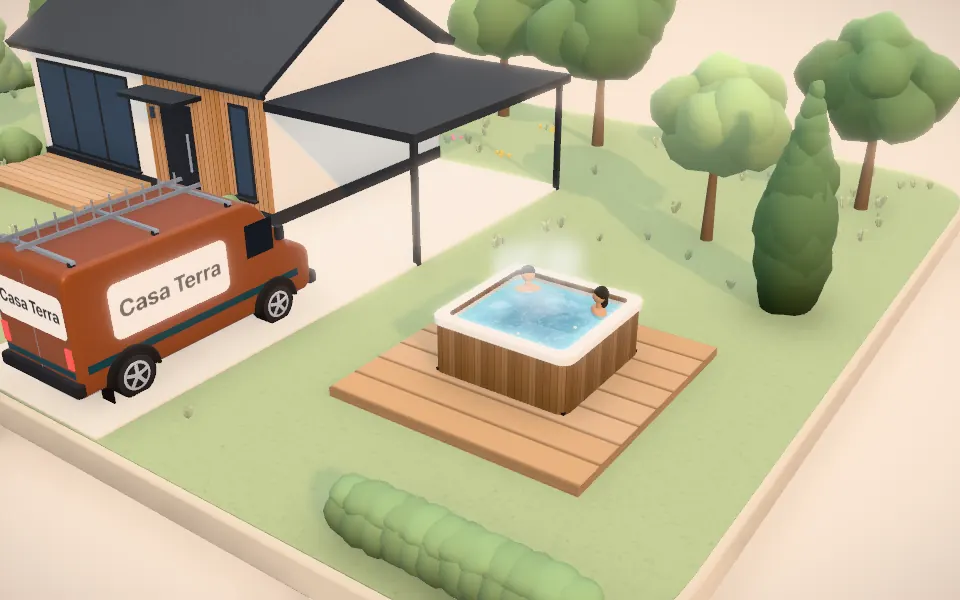
The hot tub arrives by crane or is built in the garden, with the jets, lights and extras they chose. At the end, they see the investment and the monthly running cost.
Scene: modern house · countryside
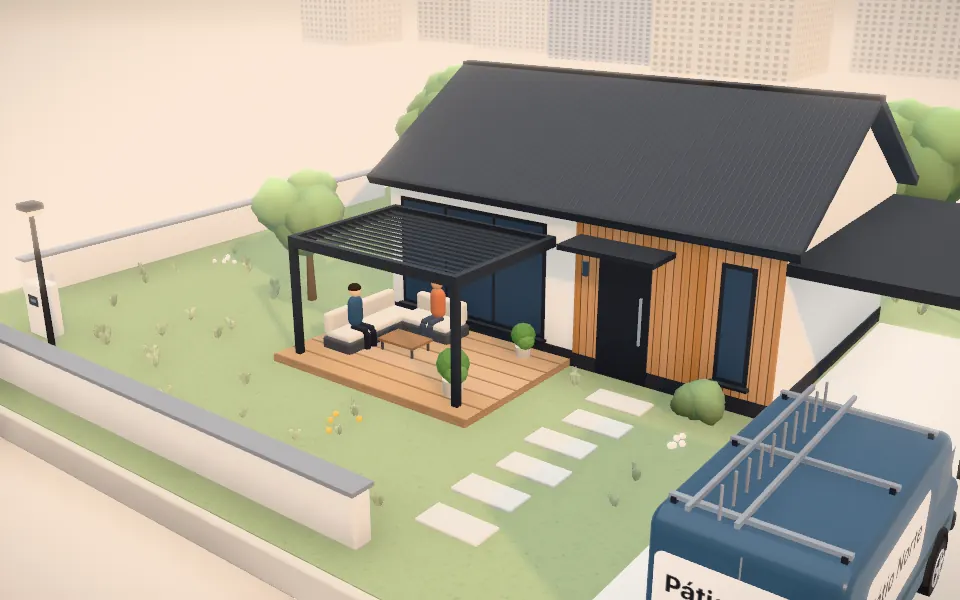
The posts go up, the beams slot in and the louvers turn to the sun, with the side closures and extras they chose. At the end, they see the estimated investment.
Scene: modern house · city
For your business
Every lead comes with the contact details and every answer: the type of house, energy use, pool size and the estimate the visitor saw. It arrives by email and stays in your dashboard.
Installation
Paste these two lines where you want the “Simulate” button. The rest of your site stays as it is.
<script src="https://prevvia.com/preview/app/solar-widget.js" data-client="sol-do-vale" data-config="https://prevvia.com/preview/sol-do-vale/config.json" async></script>
<button data-solar-configurator>Simulate</button>Put the simulator link in your Google and Meta ads, email campaigns and social media. Anyone who clicks goes straight to the simulator, in your branding, and your dashboard shows which ad or campaign each lead came from.
Pricing
You pay per simulator, not per lead: the more leads it brings in, the less each one costs you.
Solar energy, swimming pools, hot tubs or pergolas, in your company’s branding.
€19.99/month
Billed monthly. Cancel anytime.
€199.90/year
With 2 months free: that’s €16.66 a month.
Prices exclude VAT.
Pergolas: optional bespoke setup, €99.00 as a one-off payment (we set up your company’s prices, models and colors).
One simulator costs €19.99 a month, excluding VAT, with unlimited leads. The yearly plan is €199.90, with 2 months free. It comes with a 30-day guarantee: if you’re not happy, we’ll refund what you paid. With the pergola simulator you can add the bespoke setup (€99.00, one-off).
No. It’s two lines of code that whoever runs your website pastes in a few minutes. We can help if you prefer. You can also just use the direct link, without touching your site.
Yes. Each simulator has a direct link you can use in Google and Meta ads, emails and social media. Anyone who clicks goes straight to the simulator, in your branding, and your dashboard shows which ad or campaign each lead came from (Google Ads, Meta or UTM tags).
No. The simulator uses your logo, your colors and your typeface. Emails to visitors are also sent in your branding.
Yes. In your dashboard you change the questions, the answers, the prices, the house style, the setting, the garden, the light and the camera.
Yes. The simulator works on phones, tablets and computers.
Your dashboard and the simulators are in Portuguese, Spanish and English. Each visitor sees the simulator in their browser’s language (or in your company’s).
Contacts and answers belong to your company: you see them in your dashboard, receive them by email and can export them whenever you like. They’re stored on servers in the European Union (Germany).
Tell us your company’s website and which simulator you’d like to see. We’ll prepare a free demo with your logo and colors and email it to you. No commitment.
Rather talk to us? hello@prevvia.com